Intent
Every meeting deserves a reason.
A native iOS app that turns your calendar from a list of obligations into a collection of purposeful decisions.

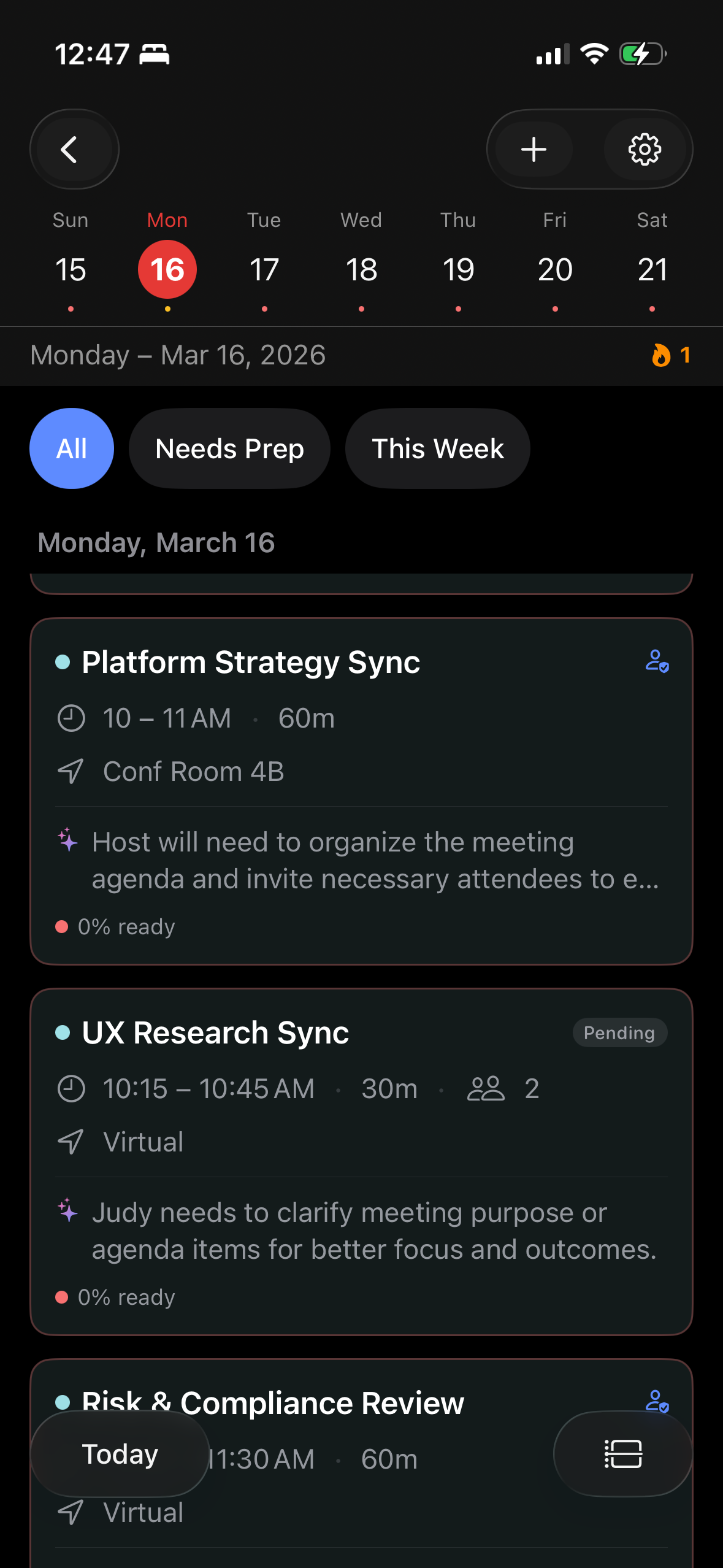
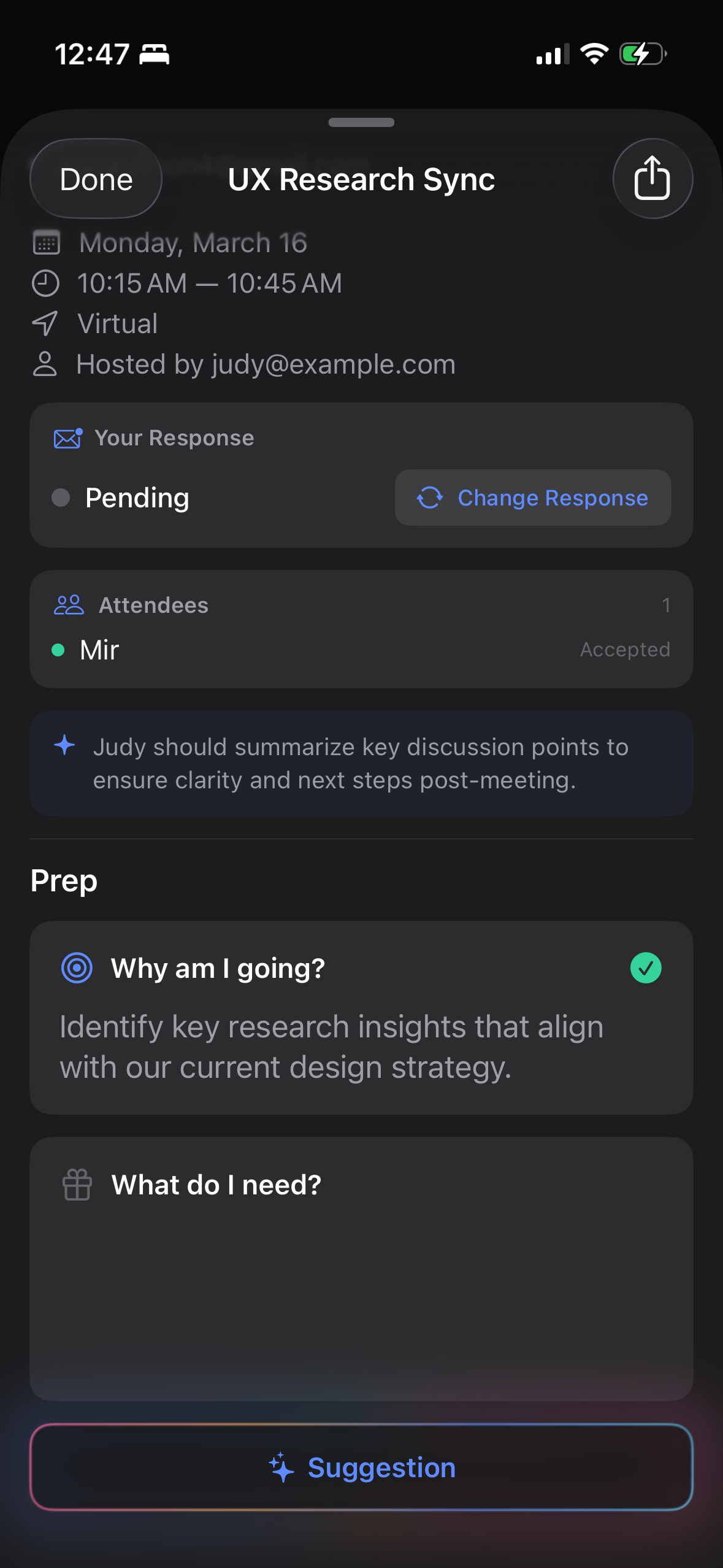
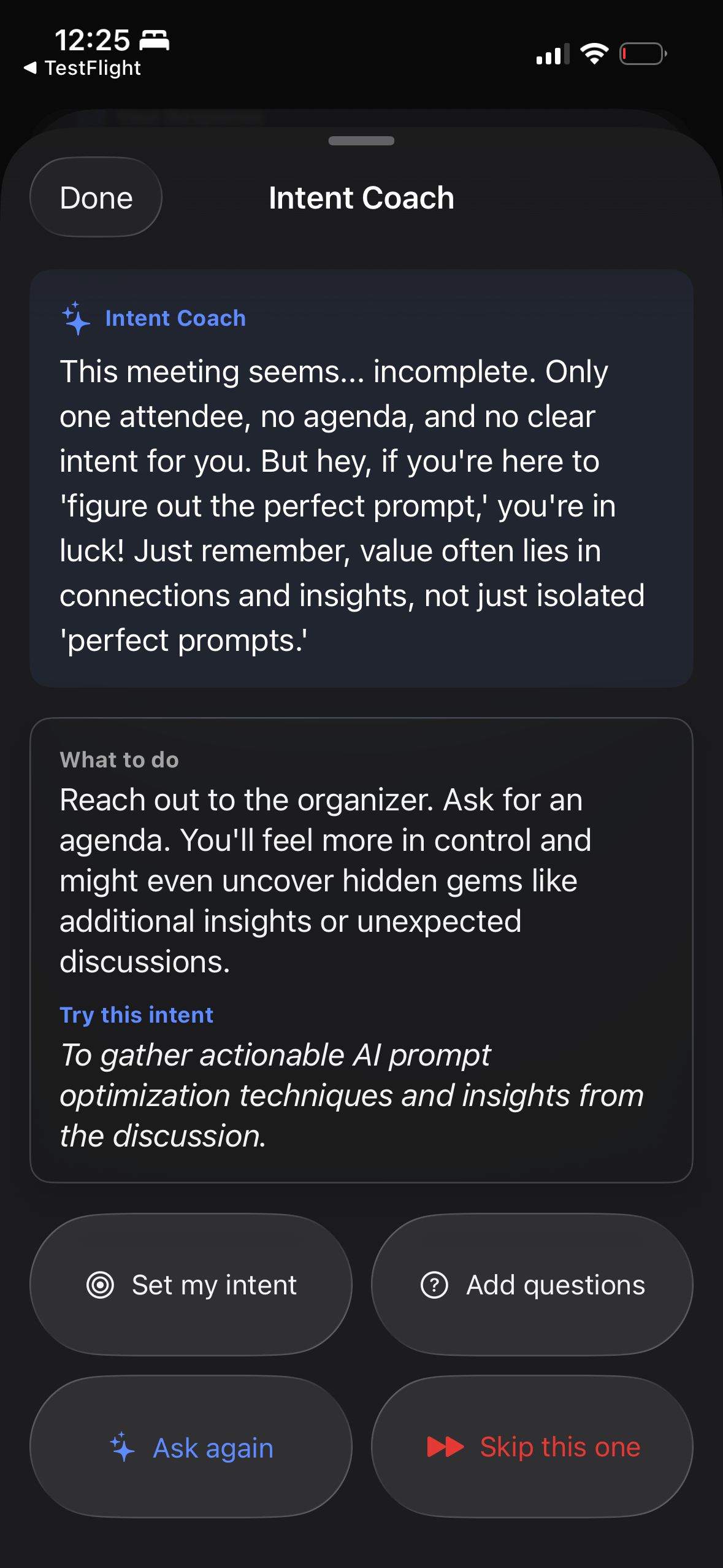
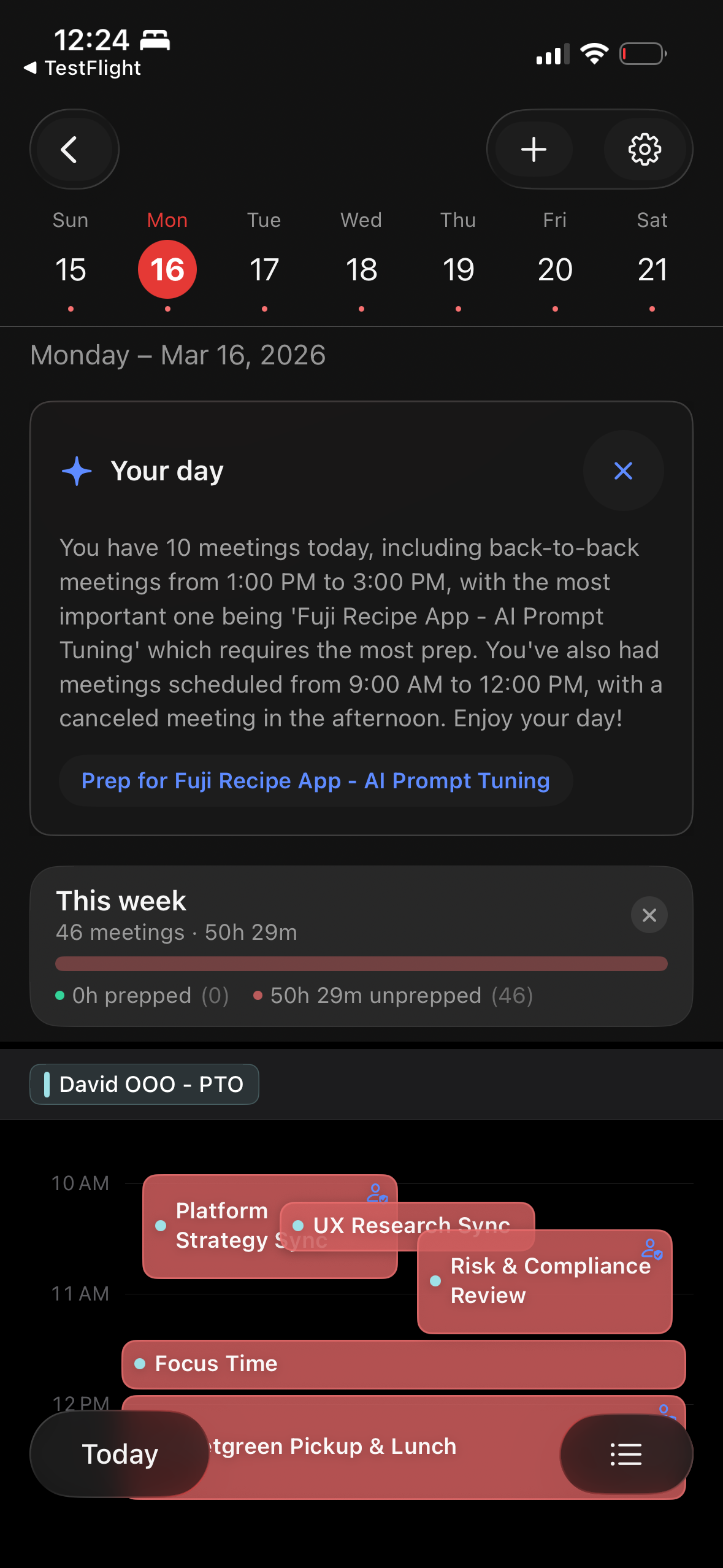
You spend 40% of your work week in meetings.
How many did you walk into with a clear purpose?
How it works
Three steps to take back your calendar
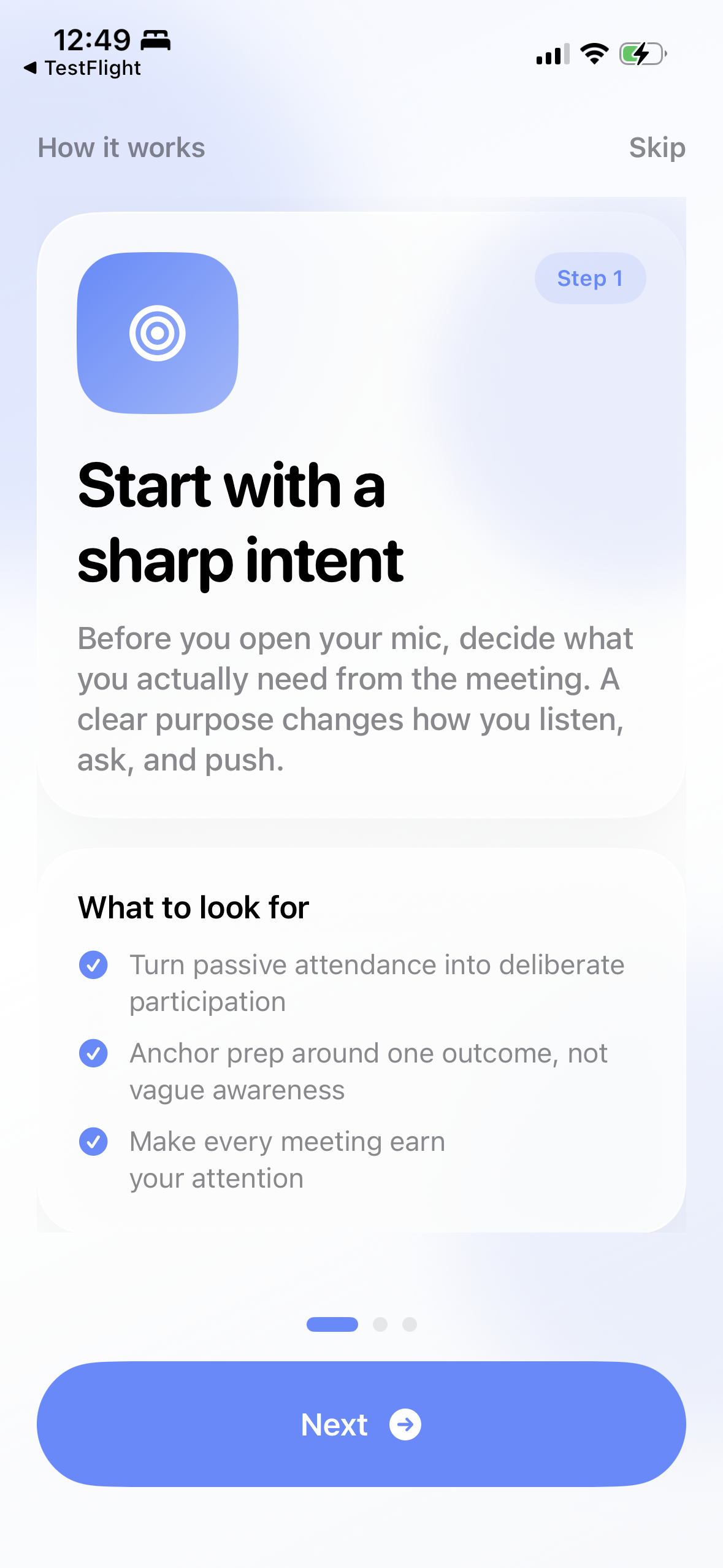
Start with a sharp intent
Before you open your mic, decide what you actually need from the meeting. A clear purpose changes how you listen, ask, and push.
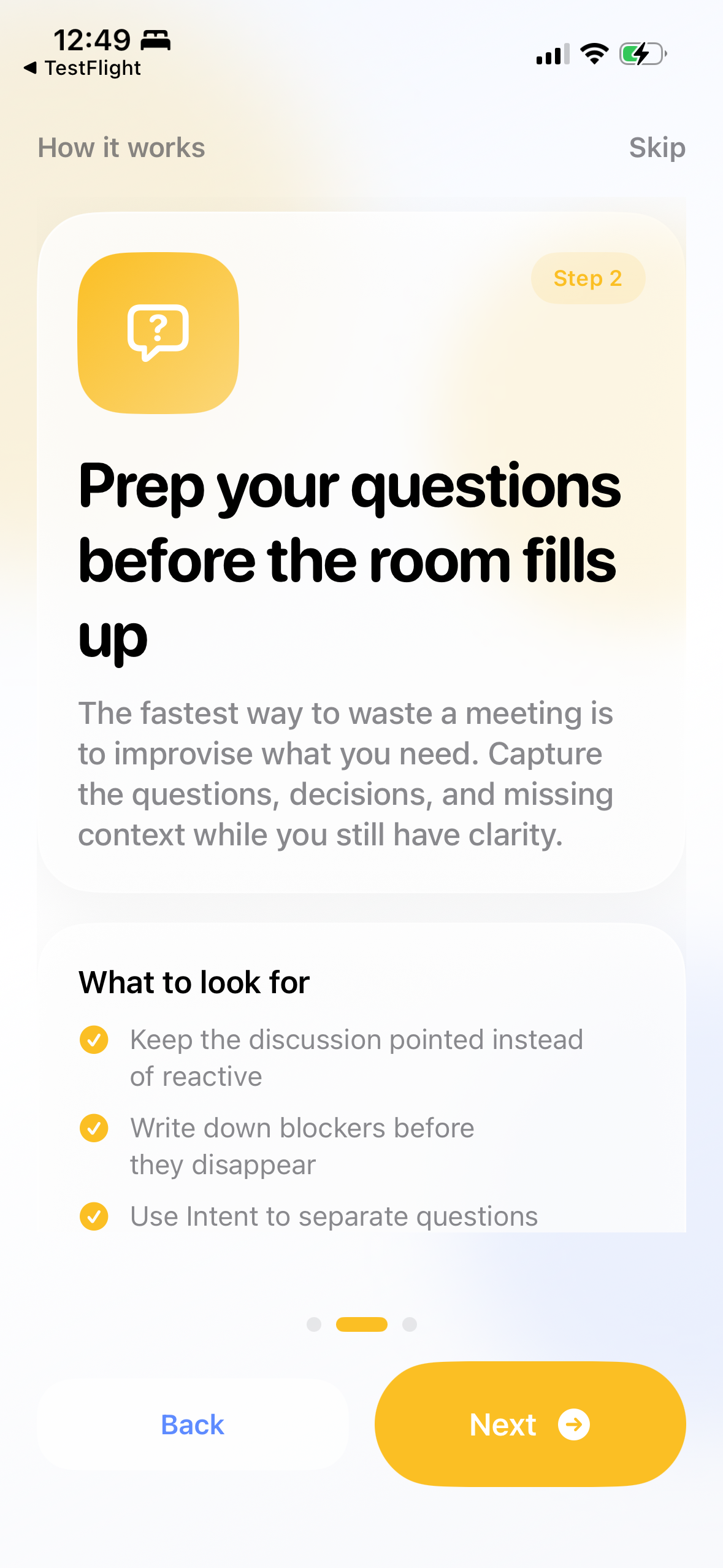
Prep your questions before the room fills up
The fastest way to waste a meeting is to improvise what you need. Capture the questions, decisions, and missing context while you still have clarity.
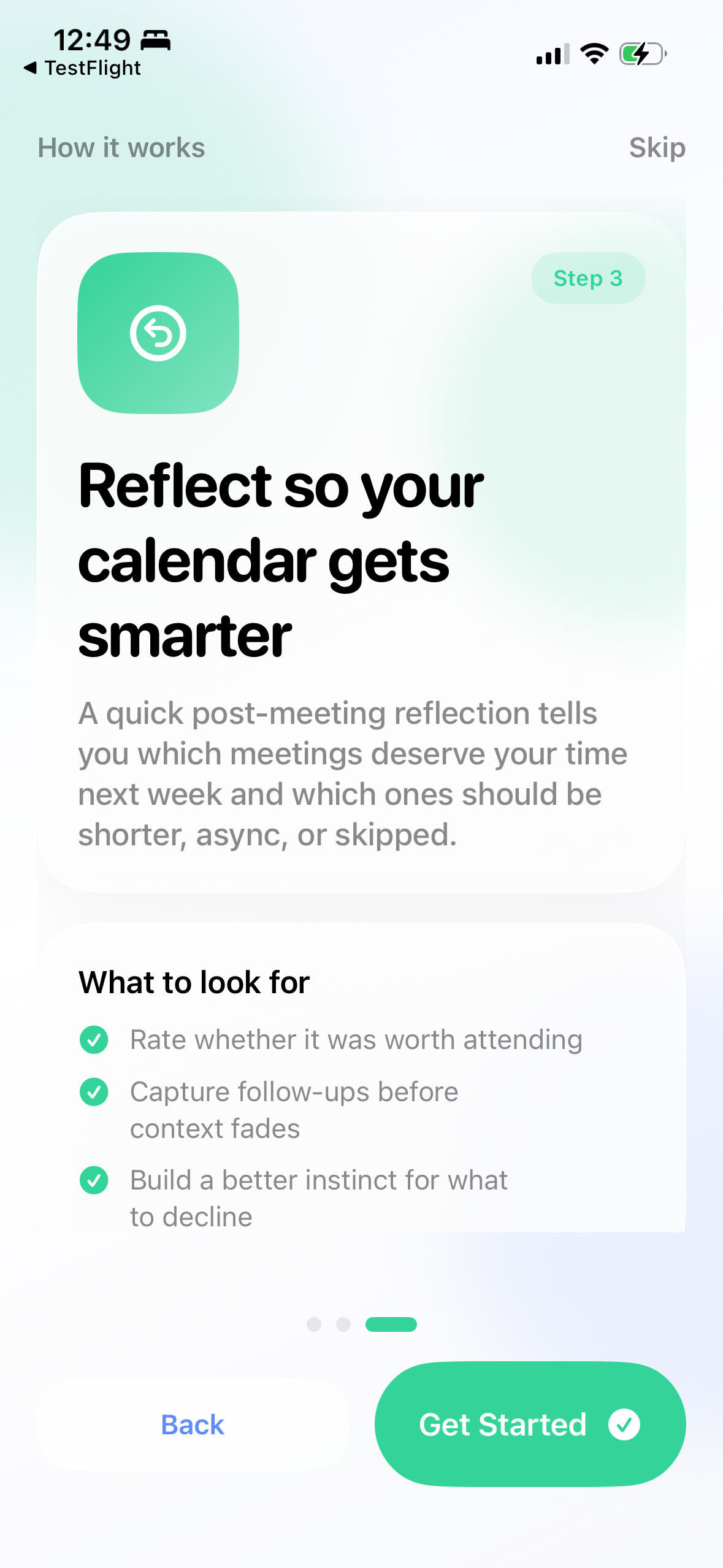
Reflect so your calendar gets smarter
A quick post-meeting reflection tells you which meetings deserve your time next week and which ones should be shorter, async, or skipped.
Features
What's inside
- Timeline view that mirrors Apple Calendar
- Structured prep for attendees and hosts
- On-device AI coaching powered by Apple Intelligence
- Recurring meeting health scores
- Weekly meeting load summary
- Prep templates for recurring meetings
- Smart notifications that know your context
- Home screen widget
- Full iPad support with keyboard shortcuts
Everything on-device. Nothing tracked. Nothing shared.
Privacy
Private by design
Intent processes everything on your device using Apple Intelligence. Your calendar data, prep notes, reflections, and AI coaching never leave your iPhone. No accounts. No servers. No analytics.
Read our privacy policy →